Filed under: Creator Workflows
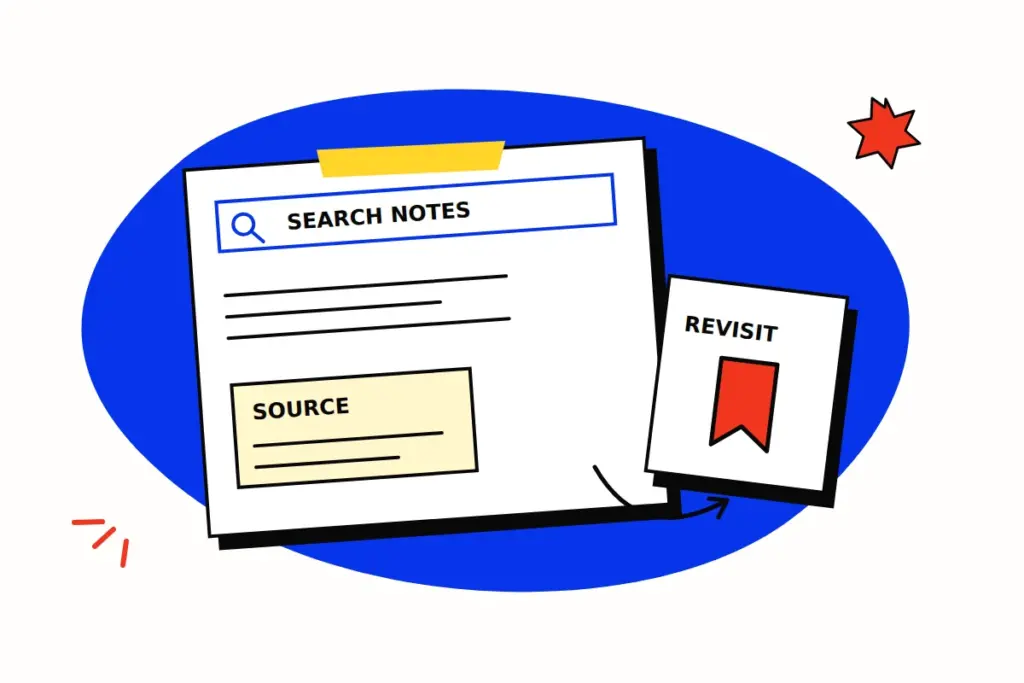
A colleague receives a shortlist of creators but cannot see how it was assembled. The links are useful; the missing search choices make the selection difficult to assess. A small search note can preserve the process without pretending that the next search will return an identical page.
Social Media Today’s November 10, 2026 report on Threads search tools is a prompt to review that habit. Earlier, Meta’s April 2025 account of its Threads web experience described bringing favourite searches alongside other columns. These are dated platform accounts. The research note below can be used with whichever search controls a team actually has.
Start with the question the shortlist serves
Hypothetical example: a team is looking for creators who explain paper-making techniques clearly enough to discuss a possible tutorial partnership. Before searching, define what the researcher needs to inspect: relevant subject matter, the explanation itself and a suitable route for a later enquiry. For a hypothetical first pass, a researcher might enter “paper making tutorial”, then record the actual terms used if they revise the query.
A public search can identify material to review. It does not establish willingness to collaborate, availability, commercial terms or performance for a future assignment.
Keep the choices that shaped discovery
Retain the query as entered, the platform and search surface, the search date and time with its time zone, and any sorting or filtering choices actually applied. Describe relevant account context, such as a public or signed-in view, without recording credentials. If a period or language is part of your own manual selection rather than a tool setting, say so.
A short note could contain:
- Purpose: find explanations of a specified paper-making process for initial review.
- Search choices: the actual terms, controls and account context used.
- Review boundary: the material inspected and the point at which the search stopped.
- Selection reason: what made each linked example relevant to the stated purpose.
Record unavailable controls as unavailable. Do not invent a date filter or exact-match setting simply because the brief would benefit from one. Keep public evidence separate from any private analytics supplied later by a creator.
Give each link an explanation
“Relevant tutorial” is a thin handover. Compare two invented selection notes for the paper-making brief. Example A explains preparing pulp and shows the move from wet sheet to drying surface. Example B is a fast montage of finished stationery, with no preparation shown. A supplies material for the requested process discussion; B may suit a different visual brief, but it does not answer this one.
These are fictional examples, not assessments of actual creators. The useful handover names the observed sequence and the part still to discuss. It does not turn one relevant piece into a judgement about the creator’s whole catalogue or willingness to take the commission.
Retain the link and the date it was reviewed. If the material changes or disappears, the next reviewer should know that a fresh check is needed. Any retained extracts or records should follow the team’s applicable permissions and data-handling arrangements.
Revisit the process, then refresh the judgement
Another researcher can use the note to inspect the original selection and attempt a comparable search. Results may change with time, ranking, account context or available material. A documented query does not freeze them.
Before contacting a shortlisted creator, recheck the linked work and confirm the fit for the current assignment. The shortlist remains a selected set found through this process; it should not be described as a census of relevant creators or a ranking of their likely results.